


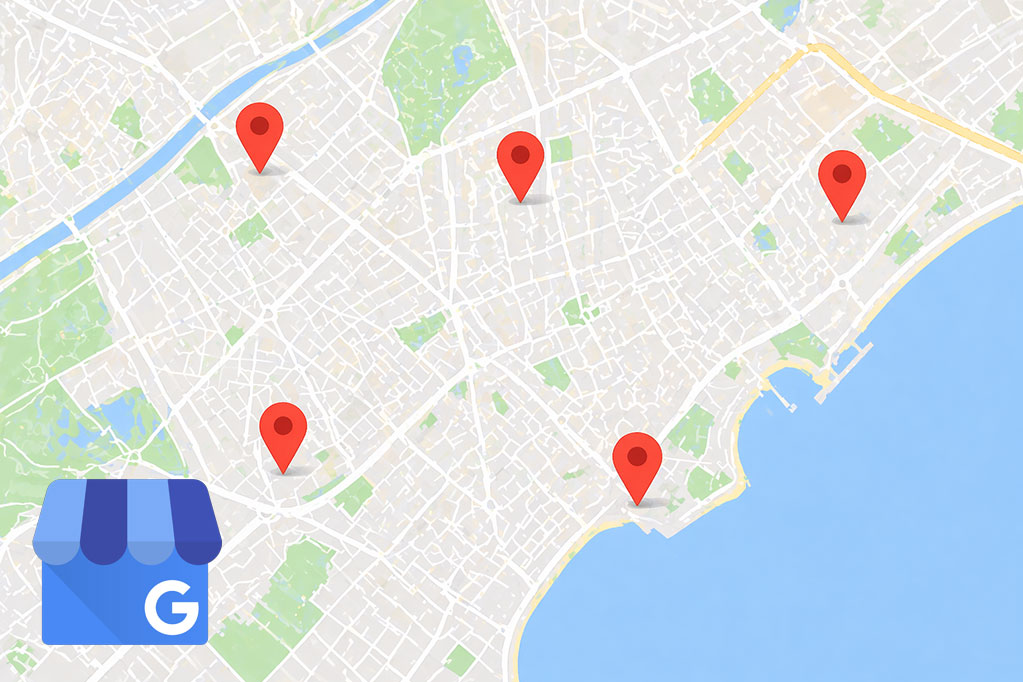
Managing multiple Google My Business profiles (now Google Business Profile) is one of the biggest headaches for chains, franchises, agencies, and multi-location businesses.
You can do it using Google’s native system, which works but forces you to go profile by profile every time you need to make a change. Or you can do it from one single dashboard with Opinas, a free app available on Android and iOS, that lets you update hours, publish posts, and reply to reviews in bulk across all your locations at once.
Here’s the difference at a glance:
Comparison: Google Business Profile Manager vs Opinas
| Aspect | Google Business Profile Manager | Opinas App |
|---|---|---|
| Main device | Mostly desktop | Mobile (fast and direct) |
| Bulk hour changes | ❌ One by one | ✅ All at once |
| Bulk scheduled posts | ❌ Not available | ✅ Yes |
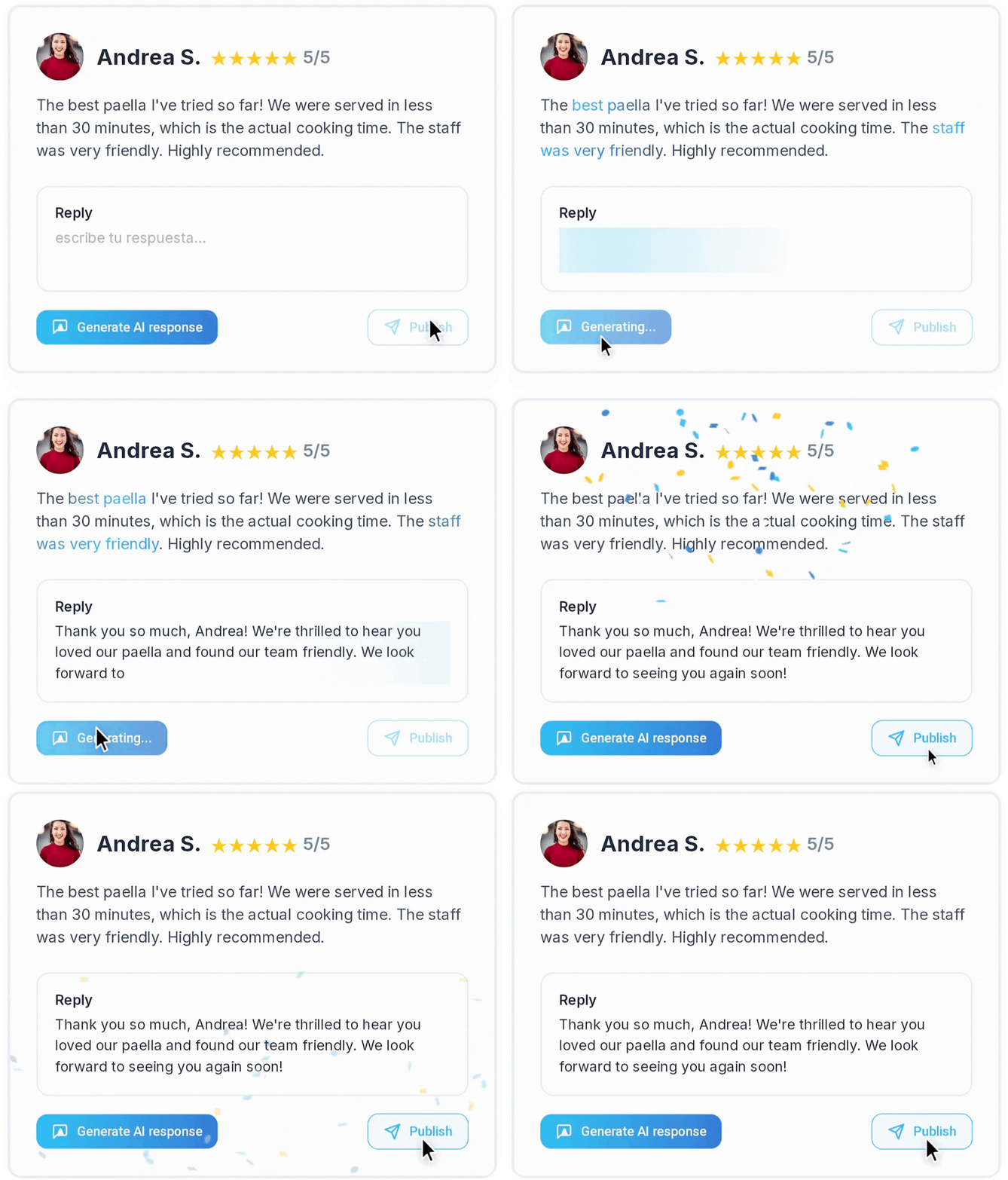
| AI review replies | ❌ Manual | ✅ Automated |
| Quick switching between profiles | Medium (several clicks) | High (one tap) |
| Location limit | From 10 with bulk verification | No limit |
| Cost | Free | Free version + Pro plan |
Option 1: Manage Multiple Businesses with Google’s Native System
Google allows you to group multiple profiles under the same account through business groups (previously called location groups). It’s the official route and it works, but it limits how much you can automate.
To set it up, sign in to Google Business Profile Manager and follow these steps:
- Go to the “Businesses” section in the side menu
- Click “Create group” and enter a name
- Select the locations you want to add to the group (you must be an admin for each one)
- From the “Actions” button, transfer the profiles to the newly created group
If you have 10 or more locations for the same business, Google also offers bulk verification and spreadsheet upload through “Import profiles.” This speeds up the initial setup, but once everything is inside the account, changes to business hours, posts, and review replies still have to be done one listing at a time.
Option 2: Manage All Your Listings from Opinas
This is where upgrading your workflow starts to make sense. Opinas connects directly to your Google Business Profile and lets you manage all your locations from one single dashboard, without opening each profile separately.
With Opinas, you can do in one minute what would take you an entire afternoon with Google:
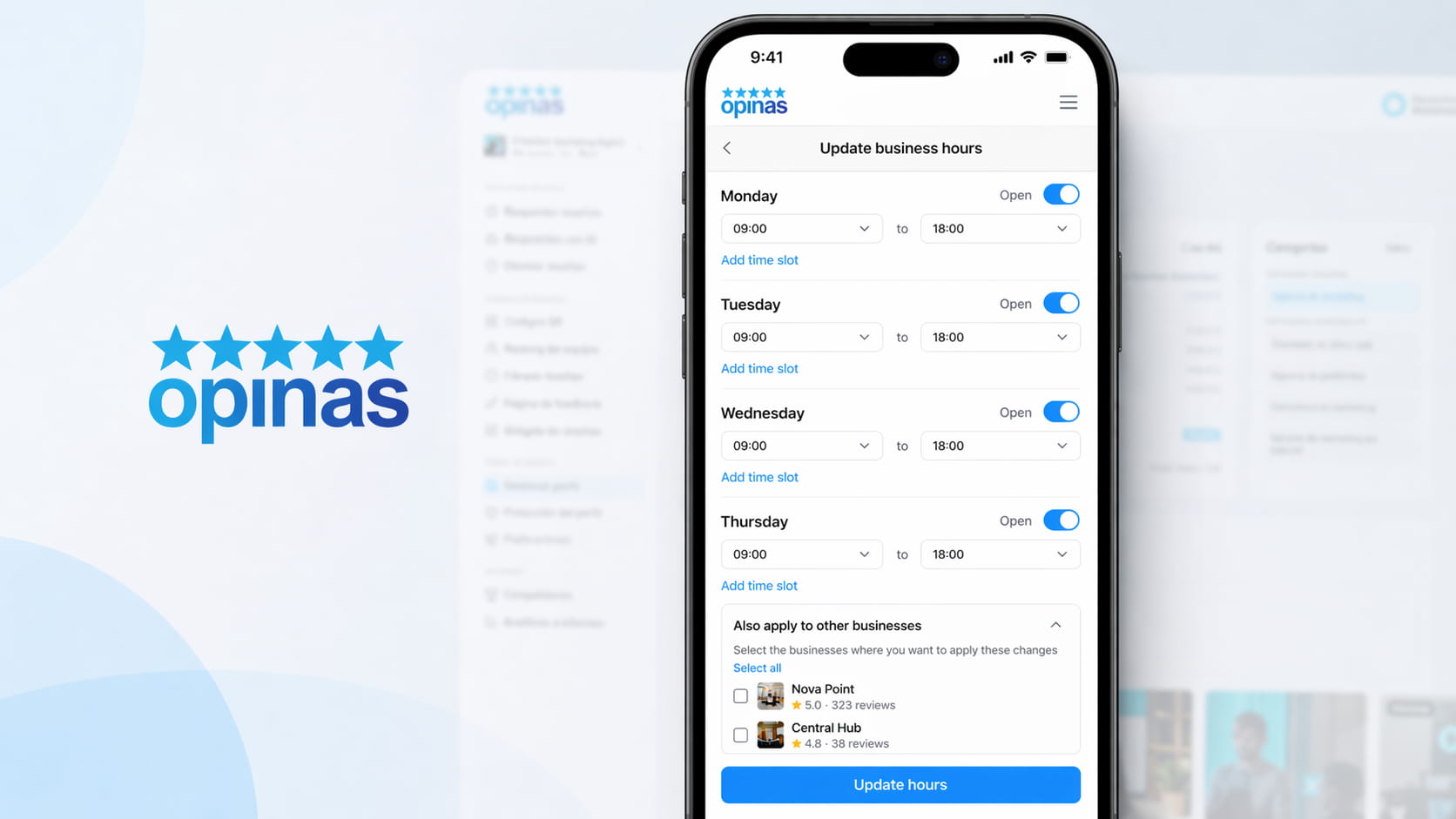
- Change hours in bulk. Apply the same business hours to all locations at once, including holidays and special hours
- Publish and schedule posts in bulk. Upload an image, write the text, and publish it across multiple profiles at the same time, or schedule it for a specific date
- Manage reviews across all your businesses. Read, filter, and reply to reviews from all your locations in one inbox, with AI assistance to speed up routine replies
- Switch between profiles with one tap. The business selector is designed to let you jump between locations without reloading screens or going back to the main dashboard
All of it from your phone, without having to open your computer every time you need to update something.
Which Option Makes Sense for Your Business
- You have 1 business → Google’s native method is enough, although Opinas will still save you time from your phone
- You have 2 to 10 businesses → Opinas. The time savings are immediate from the second location onward
- You have more than 10 businesses (chains, franchises, agencies) → Opinas becomes almost essential. Managing all of this manually in Google takes hours every week
Why Centralizing Multiple Business Profiles Matters for Local SEO
Having multiple outdated listings is one of the most expensive mistakes in local SEO. And when you manage many locations, the risk multiplies.
Google rewards consistency. If your NAP (name, address, phone number), business hours, and categories match across all your profiles and also match your website, your visibility in Google Maps improves. If one listing says you open at 9 and another says 10, Google can detect that inconsistency and reduce trust in the entire set of profiles.
The other critical factor is reviews. A business with multiple locations that replies to reviews across all of them builds more trust, performs better in local results, and converts more customers. But replying review by review, listing by listing becomes unrealistic when you have more than three or four locations. That’s why centralized management stops being a luxury and becomes the only realistic way to scale.
Keeping dozens of listings updated also protects your business. If you do not log in regularly, Google may accept user suggestions and change your information automatically, or even mark your business as closed. Centralizing management is the simplest way to avoid unpleasant surprises.