
Google review removal service You only pay if Google removes it.
We find the negative reviews that may break Google’s rules. Report them yourself with PRO or let our experts do it.
- Free check of your Google reviews
- The right report reason with PRO
- Expert team at €39 + VAT per removed review
Trusted by 3,000+ local businesses


















Can Google reviews be removed?
Yes, but only when a review breaks Google’s policies. Google doesn’t remove a review just because it’s negative or feels unfair. These are the most common reasons it does:

Spam and fake reviews
Reviews from bots, multiple accounts or people who were never your customers.
Conflict of interest
Reviews left by competitors, former employees or anyone with a stake in your business.

Off-topic content
Comments that don’t describe a real experience with your business, like political rants or complaints about another company.
Harassment, hate and profanity
Insults, threats, discriminatory language or obscene content aimed at you or your team.

Personal information
Reviews that expose phone numbers, addresses or other private details.
Impersonation
Reviews written by someone pretending to be another person or business.
No tool or agency can guarantee that Google will remove a review. The final decision is always Google’s.
Two ways to remove negative Google reviews
Choose how involved you want to be. You can decide review by review.
On the free plan you can see how many of your reviews could be removed. Both options are available with Opinas PRO.
How Google review removal works with Opinas

Connect your Google profile
Link your Business Profile and we sync your reviews automatically.
We analyze your reviews
Our AI checks each negative review against Google’s policies.
Choose how to remove them
Report them yourself with the reason we suggest, or hire our team review by review.
Track every report
We check daily whether Google removed each review and help you appeal if it didn’t.
Spot the reviews Google may remove
Opinas reads every negative review and looks for signs that it may break Google’s policies: insults, spam, fake content, conflicts of interest, personal data or comments that don’t reflect a real visit.
For each one, we show the policy it may break and the reason to select when you report it. That way you don’t waste reports on reviews Google will keep.
How to remove a negative Google review, step by step
Prefer to do it on your own? This is the process Google expects business owners to follow.
Find the review
Open your Business Profile on Google Search or Maps, go to Reviews and locate the review.
Check which policy it breaks
Compare it with Google’s prohibited content policy. If it’s only negative, Google won’t remove it.
Report it
Click the three dots next to the review, choose “Report review” and pick the reason that matches the policy.
Check the status
After a few days, open Google’s Reviews Management Tool to see whether your report was accepted.
Appeal if needed
If Google decides the review doesn’t break its policies, you can appeal from the same tool with more context.
Reply and move on
If the review stays, reply calmly and keep collecting new reviews so it loses weight.
And when a review can’t be removed
Reply with AI
Answer every review in seconds with professional replies that sound like you.
See AI repliesGet more 5-star reviews
QR codes, NFC cards and review links that make it easy for happy customers to leave a review.
See QR reviewsKnow how many reviews you need
Find out how many 5-star reviews you need to reach the rating you want.
Open the calculator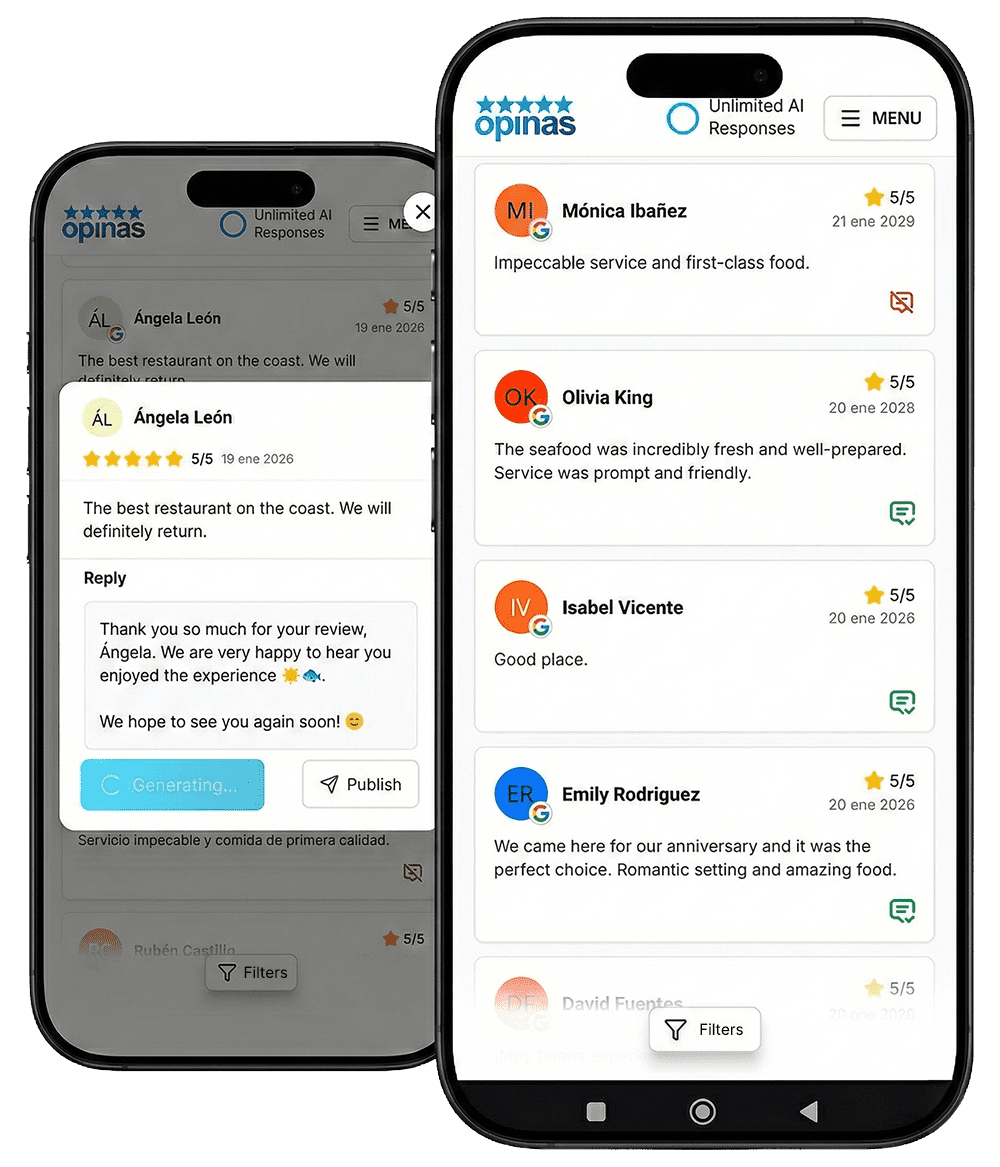
Get started for free